What features should an office single-cup coffee machine have to avoid thin, watery coffee?
To get a rich and bold cup of coffee from an office machine, you need a unit that offers adjustable water temperature, precise grind size selection, and a high-pressure extraction pump. If you’re looking for an office single-cup coffee machine that avoids thin, watery coffee, you must prioritize models that allow you to control the ratio of coffee grounds to water volume. Cheap machines often struggle to heat water to the correct range, which results in weak flavor extraction.
Common mistakes in office coffee selection
| What most people do | What to do instead | Why it matters |
|---|---|---|
| Using pre-ground pods | Grinding fresh beans | Better flavor and aroma |
| Ignoring water temperature | Setting to 195°F–205°F | Ensures proper extraction |
| Filling the largest cup | Using the smallest setting | Prevents over-diluted coffee |
| Using tap water | Using filtered water | Removes chlorine and minerals |
| Skipping machine cleaning | Following descaling schedules | Prevents bitter, stale buildup |
| Selecting lowest pressure | Using 9-bar pressure | Creates a richer body |
Most offices fail by prioritizing convenience over chemistry. Always grind beans immediately before brewing to capture the peak profile.
The most common error is using the largest cup setting for a single pod. This forces too much water through the grounds, resulting in a thin, bitter extraction. If you need a larger volume, use two pods rather than one long pull.
Check your water source. This buildup insulates the element, forcing the machine to work harder while delivering inconsistent temperatures. If your coffee tastes metallic or flat, you’re likely dealing with scale buildup. Use a simple charcoal pitcher filter to neutralize these variables before the water enters the reservoir.
Prioritize temperature and pressure controls
Most office machines fail because they can’t maintain the heat required to pull oils from the beans. Coffee extraction is a chemical process that works best between 195°F and 205°F, as defined by the National Coffee Association guidelines. If your machine operates below this range, your coffee will taste sour and thin, regardless of the beans you use. Look for a machine that displays the current water temperature or allows you to adjust it by five-degree increments.
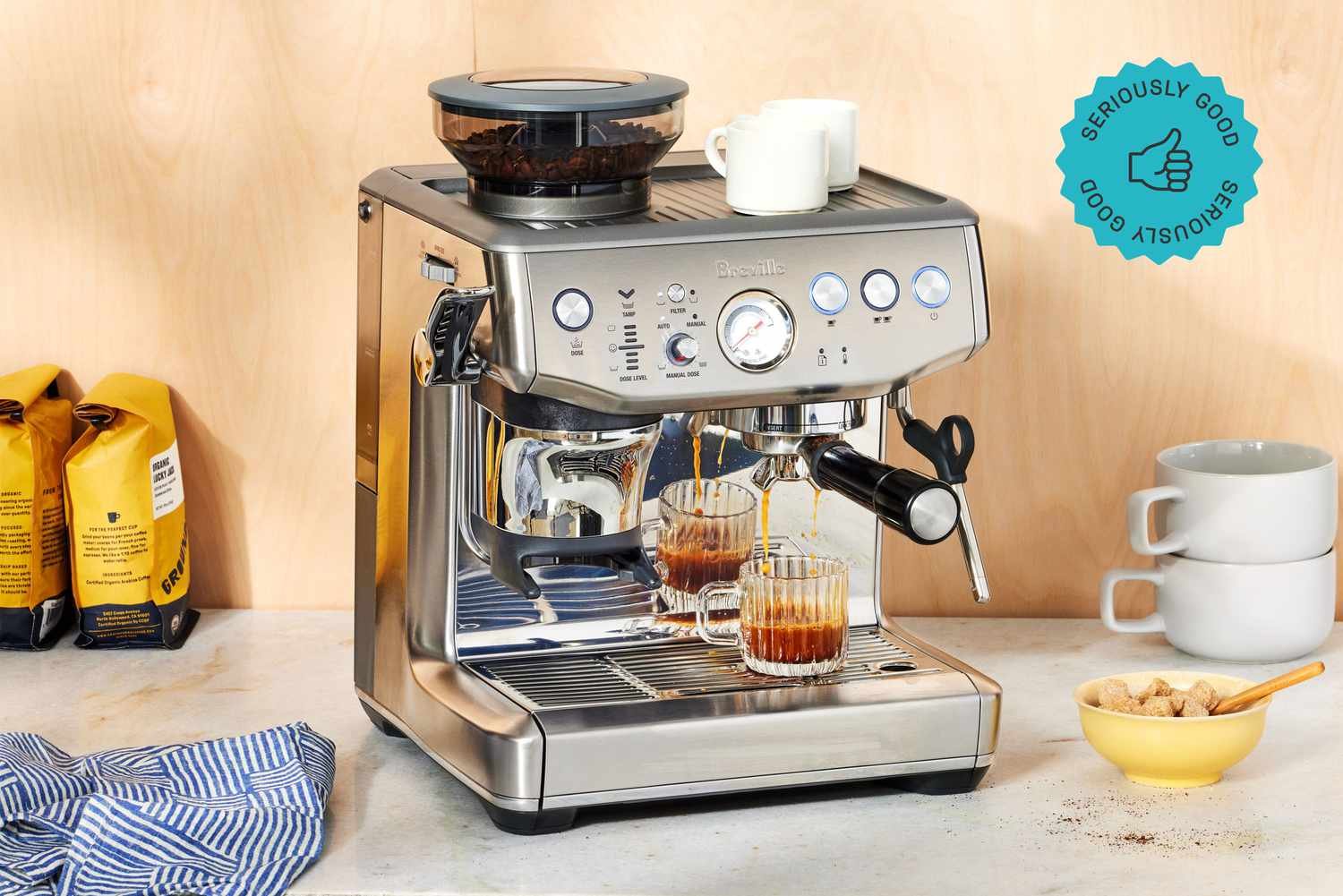
Pressure is the second major factor for a full-bodied cup. For single-cup machines, look for a pump that provides at least 9 bars of pressure. This pressure forces water through the grounds at a speed that extracts flavor without washing out the coffee. If the machine lacks a pump and relies on gravity or low-pressure drip, it will inevitably produce a watery result. Machines with adjustable pressure allow you to dial in the strength based on the roast level; for example, a dark roast often performs better at slightly lower pressure to avoid bitterness, while a light roast needs the full 9 bars to pull out sweetness. If you choose a model without these adjustments, you’re stuck with the factory settings, which are often tuned for speed rather than taste.
Choose machines with adjustable dose settings
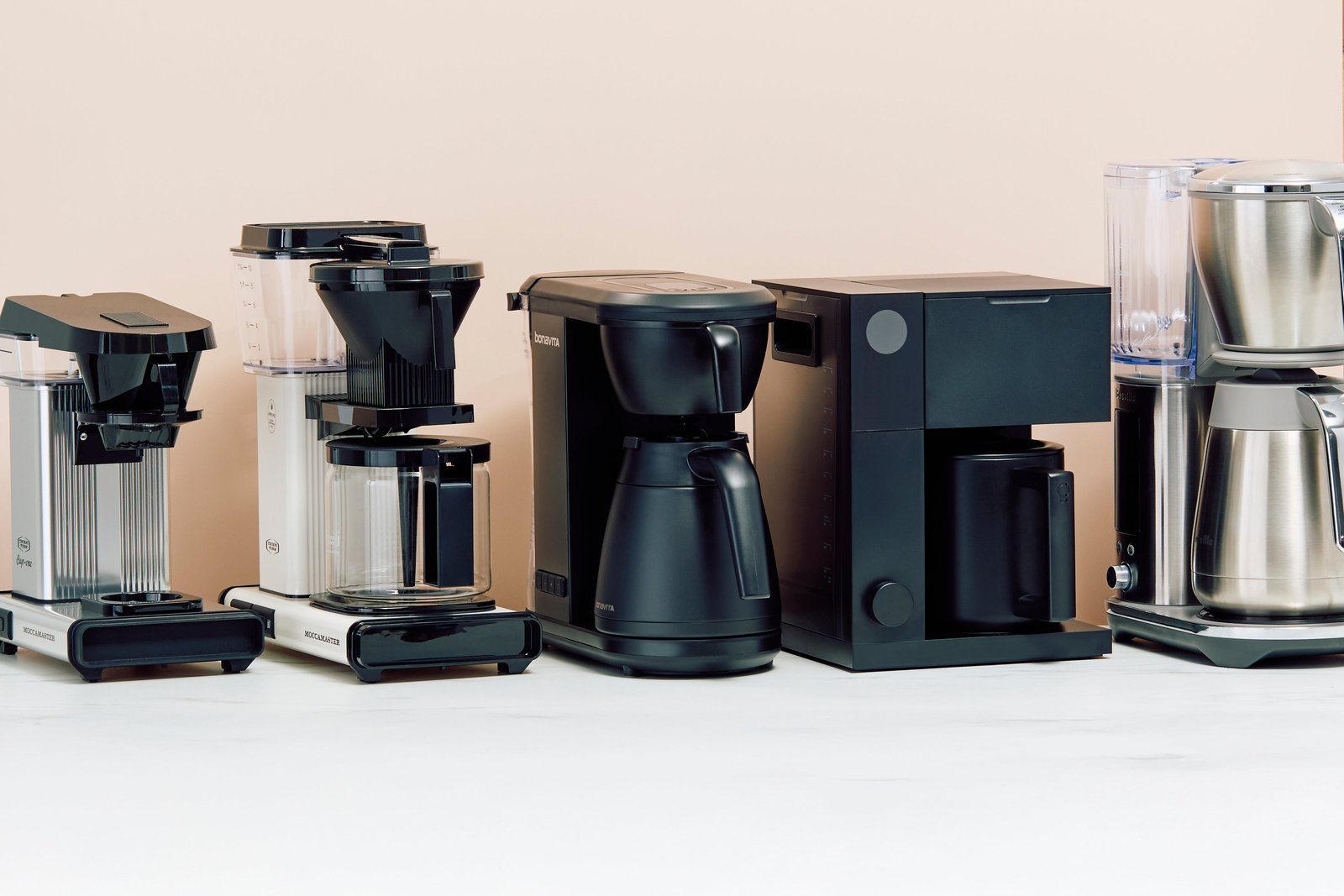
One mistake people make is assuming the machine knows the right amount of coffee for every cup size. Most basic office brewers use the same amount of grounds whether you select a 6-ounce cup or a 12-ounce mug. This means the larger the cup, the more watery your coffee will taste. A high-quality single-cup machine allows you to increase the “dose” or the weight of coffee grounds used per cycle. If you want a 12-ounce cup, you should be able to set the machine to use at least 18–20 grams of coffee. If the machine is limited to a 10-gram dose, it will always be thin at large volumes.
Check the technical manual for the maximum dose capacity before you buy. If the manufacturer doesn’t list the gram capacity, look for a “strong” or “bold” button. This feature often slows down the water flow, allowing the grounds to stay in contact with the water for a longer time. This extra contact time helps compensate for a smaller dose of coffee. If you’re a heavy coffee drinker, avoid machines that only accept proprietary pods with a fixed, small amount of coffee. These machines are designed for convenience, not for a bold, cafe-quality cup.
Features that don’t improve your coffee
Some marketing terms on coffee machines sound impressive but don’t actually fix the problem of watery coffee. You can safely ignore these features when shopping for your office setup.
- “Self-cleaning cycles” are for machine maintenance, not for improving the quality of the extraction or the flavor of the brew.
- “Touchscreen displays” might look modern, but a fancy interface doesn’t change how the machine heats the water or grinds the beans.
- “Integrated milk frothers” add convenience for lattes, but they do nothing to solve the issue of a thin, weak base shot of espresso.
- “Energy-saving mode” is useful for the office electric bill, but it often lowers the boiler temperature, which can lead to colder, weaker coffee if you brew immediately.
Brewing the perfect cup step by step
- Start with filtered water to ensure the flavor of the beans isn’t masked by minerals or chlorine, which can change the taste profile of your roast.
- Set your machine temperature to 200°F if your model allows for manual adjustment, as this is the “sweet spot” for most medium-roast coffees in an office setting.
- Choose the smallest cup size setting on your machine to keep the water-to-coffee ratio low, which naturally creates a stronger, more concentrated flavor profile in every cup.
- Increase the strength setting to “bold” or “heavy” if your machine has this option, which slows the water flow and allows for better saturation of the coffee grounds.
- Grind your beans fresh if you use a machine with an integrated grinder, aiming for a medium-fine texture that feels like sea salt to prevent the water from flowing too fast.
- Preheat your ceramic or glass mug with hot water from the machine before you brew, as a cold cup will immediately drop the temperature of your coffee and kill the flavor.
Related guides
Frequently Asked Questions
How much coffee should I use for a 10-ounce cup?
You should use approximately 17 to 18 grams of coffee for a 10-ounce cup to avoid a watery taste. If your machine uses pods, check the package for the gram weight, as many standard pods contain only 8 to 10 grams, which is too little for a 10-ounce volume.
Does the water temperature really matter?
Yes, water temperature is the most important factor in extraction, and it must stay between 195°F and 205°F to work correctly. If the temperature is lower, the coffee will taste thin and sour because the water can’t pull the necessary oils and sugars from the beans during the short cycle.
Why does my coffee taste weak even on the strongest setting?
Weak coffee usually happens when the ratio of grounds to water is too low for the cup size you selected. Try choosing a smaller cup size or using a finer grind setting if your machine allows it, which will force the water to pass through the coffee more slowly.
Is it safe to use tap water in my machine?
It’s safe to drink, but tap water often contains minerals that can damage your machine and chlorine that ruins the coffee flavor. Using a carbon-filtered pitcher or a machine with a built-in water filter will provide a much cleaner taste for your morning brew.
How often should I descale my coffee machine?
Scale buildup inside the heating element prevents the water from reaching the correct temperature, which is a common cause of thin, lukewarm, and watery coffee.
Does the grind size affect the strength?
Yes, a finer grind creates more surface area, which allows the water to extract more flavor and body from the beans. If your coffee is watery, set your grinder to a slightly finer setting, but stop before it becomes a fine powder that clogs the filter.
Conclusion
If you find that your machine still produces watery coffee despite these adjustments, the machine might have a faulty heating element or a pump that has lost its pressure. In these cases, you should contact the manufacturer’s support line to see if the unit requires professional servicing or a replacement part.
One Comment