
How Can Coffee Machines Connect To Wifi: Smart Brew Setup Guide
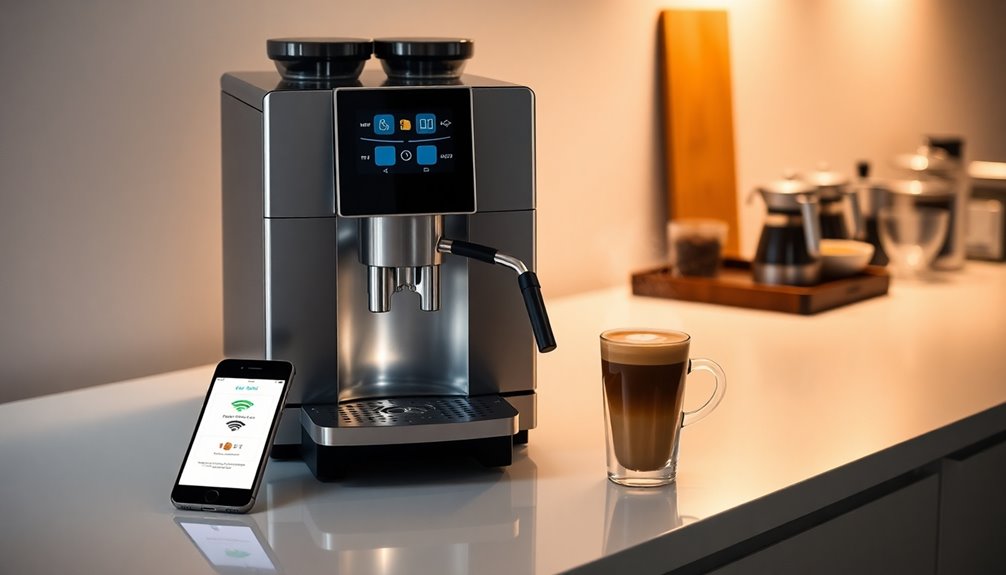
In today's fast-paced American life, where every minute counts, waking up to a freshly brewed cup of coffee without leaving the comfort of your bed is no longer a futuristic dream. Smart coffee machines, equipped with Wi-Fi connectivity, are making this a reality for households across the U.S. These innovative appliances connect to your home's wireless network, allowing you to control them remotely through a smartphone app, schedule brews, customize settings, and even integrate with voice assistants like Alexa or Google Assistant. The connection process typically involves downloading a manufacturer-specific app, pairing your device, and inputting your home Wi-Fi credentials, primarily leveraging the 2.4GHz Wi-Fi band for stable communication.

Understanding Smart Coffee Machines and Wi-Fi Connectivity
The digital revolution has transformed American homes, making our living spaces smarter and more connected than ever. From smart thermostats to intelligent lighting, it's only natural that our beloved kitchen appliances, especially coffee makers, would follow suit.
What Makes a Coffee Machine "Smart"?
A "smart" coffee machine goes beyond basic brewing functions. It's an appliance designed to integrate seamlessly into your connected home ecosystem. Key features often include:
- App Control: Manage brewing, strength, and temperature settings from your smartphone or tablet.
- Voice Assistant Integration: Start brewing with simple voice commands through devices like Amazon Echo or Google Home.
- Scheduling: Program your machine to brew at specific times, ensuring your coffee is ready when you are.
- Customization: Save personalized brewing recipes for different users or preferences.
- Notifications: Receive alerts for when your coffee is ready, or when it's time to refill water or descale the machine.
Wi-Fi is the backbone of these capabilities. It allows your coffee machine to communicate with your smartphone, your home network, and even cloud services provided by the manufacturer, enabling all the smart functions you love.
The Role of Your Home Wi-Fi Network
For your smart coffee machine to truly shine, it needs a stable connection to your home Wi-Fi network. Here's what you need to know about the Wi-Fi specifics:
- 2.4GHz Band is Key: Most smart home devices, including coffee machines, primarily utilize the 2.4GHz Wi-Fi band. This band offers a longer range and better penetration through walls compared to the faster 5GHz band, which is ideal for streaming and gaming. While many modern routers support both, ensure your 2.4GHz network is active.
- Router Requirements: You'll need a reliable wireless router that can broadcast a stable signal. Place your coffee machine within a reasonable range of your router to ensure optimal connectivity and prevent dropouts.
Step-by-Step Guide to Connecting Your Smart Coffee Machine to Wi-Fi
Connecting your smart coffee machine to Wi-Fi is a straightforward process, designed to integrate smoothly into the modern American smart home. Think of it like adding another helpful gadget to your connected life.
Prerequisites
Before you start, gather a few essentials to ensure a smooth setup:
- A Wi-Fi Enabled Smart Coffee Machine: Confirm your specific model has Wi-Fi capabilities.
- Your Smartphone or Tablet: This will be your control hub.
- The Manufacturer's companion App: Downloadable from the Apple App Store or Google Play Store.
- A Stable 2.4GHz Wi-Fi Network: Most smart coffee machines prefer this band.
- Your Wi-Fi Network Name (SSID) and Password: Keep these handy.
- Coffee Machine within Wi-Fi Range: Ensure a strong signal for reliable operation.
The Connection Process
Follow these general steps to link your coffee maker to your home network:
- Prepare Your Coffee Machine: Plug in your machine and, if applicable, fill the water reservoir and coffee grounds/beans according to the manufacturer's instructions.
- Download the Companion App: Search for the official app for your coffee machine's brand in your device's app store. Install it.
- Create an Account (if required): Most apps will prompt you to create a new user account or log in if you already have one. This usually involves an email address and password.
- Initiate Pairing Mode on the Machine: On your coffee machine, there's typically a dedicated Wi-Fi button or a sequence of buttons to press that puts the device into "pairing mode." A specific light (often blinking) will indicate it's ready to connect. Consult your machine's manual for exact instructions.
- Follow In-App Instructions: Open the app on your smartphone. It will usually guide you through the process of "adding a new device" or "setting up Wi-Fi." You'll likely need to select your home's 2.4GHz Wi-Fi network from a list and enter its password.
- Confirm Connection: Once the credentials are entered, the app will attempt to connect to your coffee machine. This might take a minute or two.
Signs of a Successful Connection
You'll know your coffee machine is successfully connected when:
- The machine's Wi-Fi indicator light changes from blinking to a solid state.
- The companion app displays your coffee machine as "online," "connected," or "ready."
- You can now control basic functions of the machine directly from the app.

Troubleshooting Common Wi-Fi Connection Issues
Even with the best intentions, technology can sometimes be a little stubborn. When your smart coffee machine refuses to connect, it can be frustrating, especially for Americans accustomed to seamless tech experiences. Don't worry, most issues have simple solutions.
"My Machine Won't Connect!" – Common Symptoms & Causes
It helps to identify what's going wrong:
- Symptom: Machine can't find network.
- Cause: Machine is out of Wi-Fi range, your router's 2.4GHz band is off, or the Wi-Fi name (SSID) is hidden.
- Symptom: Connection fails during setup.
- Cause: Incorrect Wi-Fi password, temporary network glitch, or your phone is connected to the 5GHz band during setup.
- Symptom: Machine connects, then disconnects.
- Cause: Weak Wi-Fi signal, network interference from other devices, or an outdated app/firmware.
Solutions & Checks
Let's walk through common fixes, starting with the easiest:
- Check Wi-Fi Band: Confirm your router is broadcasting a 2.4GHz network. During the setup process, ensure your smartphone is also connected to this 2.4GHz network, as some apps need your phone and the coffee machine to be on the same band initially.
- Verify Wi-Fi Password: Double-check your Wi-Fi password for any typos, incorrect capitalization, or forgotten characters. It's a common culprit.
- Restart Everything: A classic tech fix! Try restarting your Wi-Fi router, then your coffee machine, and finally your smartphone. This can clear temporary glitches.
- Move Closer to the Router: If the coffee machine is far from your router, temporarily move it closer for the initial setup. Once connected, you can often move it back, though a weaker signal might impact performance.
- Temporarily Disable VPN/Firewall: Sometimes, security software on your phone or router can interfere with the pairing process. Try disabling them briefly if comfortable, and then re-enable after successful connection.
- Check for App and Firmware Updates: Ensure the coffee machine's companion app on your phone is updated to the latest version. Sometimes, connectivity issues are resolved with manufacturer-released updates. Check your coffee machine's settings or the app for firmware update options.
- Factory Reset the Coffee Machine: As a last resort, if nothing else works, consult your machine's manual for instructions on how to perform a factory reset. This will clear all network settings and allow you to start the connection process fresh.
- Consult Manufacturer Support: If you've exhausted all options, reach out to the coffee machine manufacturer's customer support. They can provide model-specific troubleshooting tips.

Maximizing Your Smart Coffee Machine Experience
Once your smart coffee machine is successfully connected to Wi-Fi, you've unlocked a world of convenience that truly caters to the American love for efficiency and personalization. Get ready to elevate your daily coffee ritual!
Remote Brewing
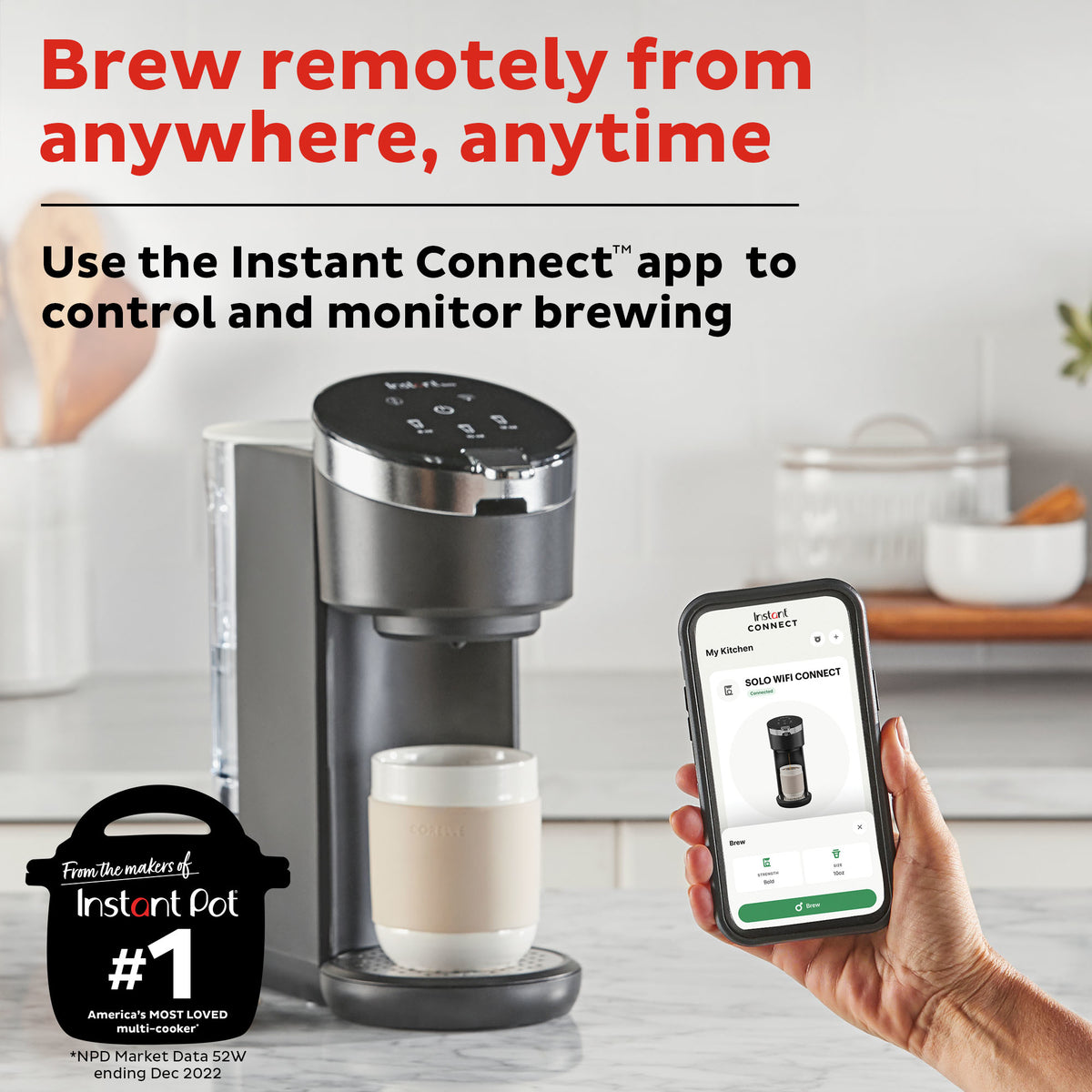
Imagine still being in bed on a chilly morning or just stepping through your front door after a long commute. With remote brewing, you can simply open the app on your phone and start your coffee machine from anywhere within your Wi-Fi's reach. Your brew will be ready and waiting for you.
Scheduling
Consistency is key, especially in our busy lives. Utilize the scheduling feature to set recurring brew times. Your machine can automatically start brewing at 6:30 AM every weekday, ensuring you wake up to the inviting aroma of fresh coffee, day in and day out.
Customization
Beyond simply starting a brew, many smart coffee machines allow for granular control over your coffee. Through the app, you might be able to:
- Adjust coffee strength (mild, regular, bold).
- Set brewing temperature for optimal extraction.
- Select cup size or brew volume.
- Save your favorite settings as "recipes" for quick selection.
Voice Control Integration
For ultimate hands-free convenience, link your smart coffee machine to popular voice assistants like Amazon Alexa or Google Assistant. A simple command like, "Alexa, make my coffee" or "Hey Google, start the coffee machine" is all it takes to get your brew going.
Maintenance Alerts
Forget guessing when to descale or change your water filter. Your smart coffee machine can send notifications directly to your phone, reminding you of routine maintenance, helping to prolong the life of your appliance and ensure consistently great-tasting coffee.

Important Considerations for Smart Coffee Machines
As American consumers increasingly adopt smart home technology, it's wise to consider a few practical aspects that ensure a smooth and secure experience with your Wi-Fi connected coffee machine.
Network Security
Connecting any device to your home network means considering security. To keep your smart coffee machine and network safe:
- Strong Passwords: Always use a complex, unique password for your Wi-Fi network.
- Router Firmware Updates: Regularly update your Wi-Fi router's firmware to patch security vulnerabilities.
- App Security: Use a strong, unique password for your coffee machine's companion app account.
Data Privacy
When you create an account and connect your device, you'll likely share some data with the manufacturer. Take a moment to:
- Review Privacy Policies: Understand what data the app collects (e.g., usage patterns, brew preferences) and how it's used.
- Adjust Privacy Settings: If available, customize any privacy settings within the app.
App Dependency
The "smart" features of your coffee machine are heavily reliant on the manufacturer's companion app and their cloud services.
- App Availability: Ensure the manufacturer has a track record of supporting their apps with updates and bug fixes.
- Server Reliability: If the manufacturer's servers go down, remote control features might be temporarily unavailable, though local functions should still work.
Compatibility
While most smart coffee machines use the 2.4GHz Wi-Fi band, there can still be specific compatibility nuances:
- Router Model: Very old routers might struggle with newer smart devices.
- App OS Requirements: Ensure your smartphone's operating system (iOS or Android) is compatible with the latest version of the coffee machine's app.
Future-Proofing
Consider the longevity of your smart investment. Look for brands known for:
- Consistent App Updates: Regular updates indicate ongoing support and improved functionality.
- Broad Voice Assistant Support: Integration with multiple platforms offers more flexibility.

Key Takeaways
- Smart coffee machines connect to Wi-Fi primarily via a dedicated smartphone app.
- Most smart coffee makers require a 2.4GHz Wi-Fi network for optimal connectivity due to its range and stability.
- The connection process involves downloading an app, putting the machine into pairing mode, and entering your Wi-Fi credentials.
- Troubleshooting common issues often involves checking Wi-Fi bands, verifying passwords, and restarting devices.
- Wi-Fi connectivity unlocks features like remote brewing, scheduling, customization, and voice control.
- Consider network security, data privacy, and app dependency when choosing and using a smart coffee machine.
FAQs
Do all coffee machines have Wi-Fi?
No, only specific models designed as "smart" coffee machines come equipped with Wi-Fi connectivity. Standard or traditional coffee makers do not have this feature.
Can I use a 5GHz Wi-Fi network for my smart coffee machine?
Most smart coffee machines are designed to connect to the 2.4GHz Wi-Fi band. While some newer models might support 5GHz, it's less common due to the 2.4GHz band's better range and wall penetration, which is more suitable for stationary appliances. Always check your machine's specifications.
What if my Wi-Fi name (SSID) is hidden?
If your Wi-Fi network's SSID is hidden, your coffee machine might not be able to detect it automatically. You may need to temporarily unhide your SSID during the setup process or manually enter the network details if the app allows.
Can I connect my coffee machine to a guest Wi-Fi network?
It's generally not recommended to connect smart home devices to a guest Wi-Fi network. Guest networks often have stricter isolation settings that can prevent the coffee machine from communicating properly with its app or other smart home devices.
How secure is a smart coffee machine?
Smart coffee machines, like all connected devices, are as secure as their software and your home network. Using strong, unique Wi-Fi and app passwords, keeping your router firmware updated, and being aware of the manufacturer's privacy policies are essential steps to ensure security.
Conclusion
Connecting your coffee machine to Wi-Fi is a simple yet transformative step toward a more convenient and personalized coffee experience. From the ability to brew from your bed to setting custom schedules, smart coffee makers integrate seamlessly into the modern American home, promising a fresh, hot cup whenever you desire. Embrace the future of brewing and enjoy the effortless elegance of a Wi-Fi connected coffee machine.